Screenshots
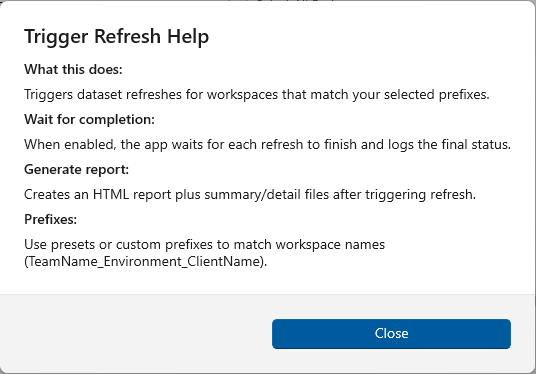
Trigger Refresh Help
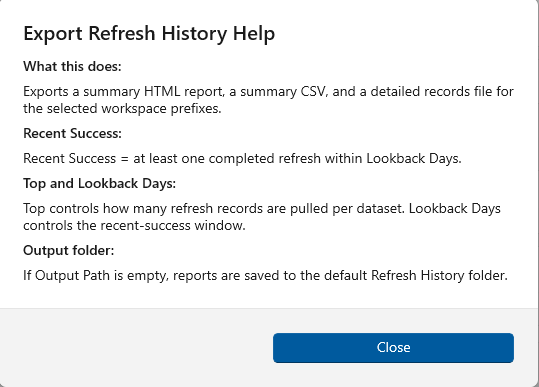
Export Refresh Help
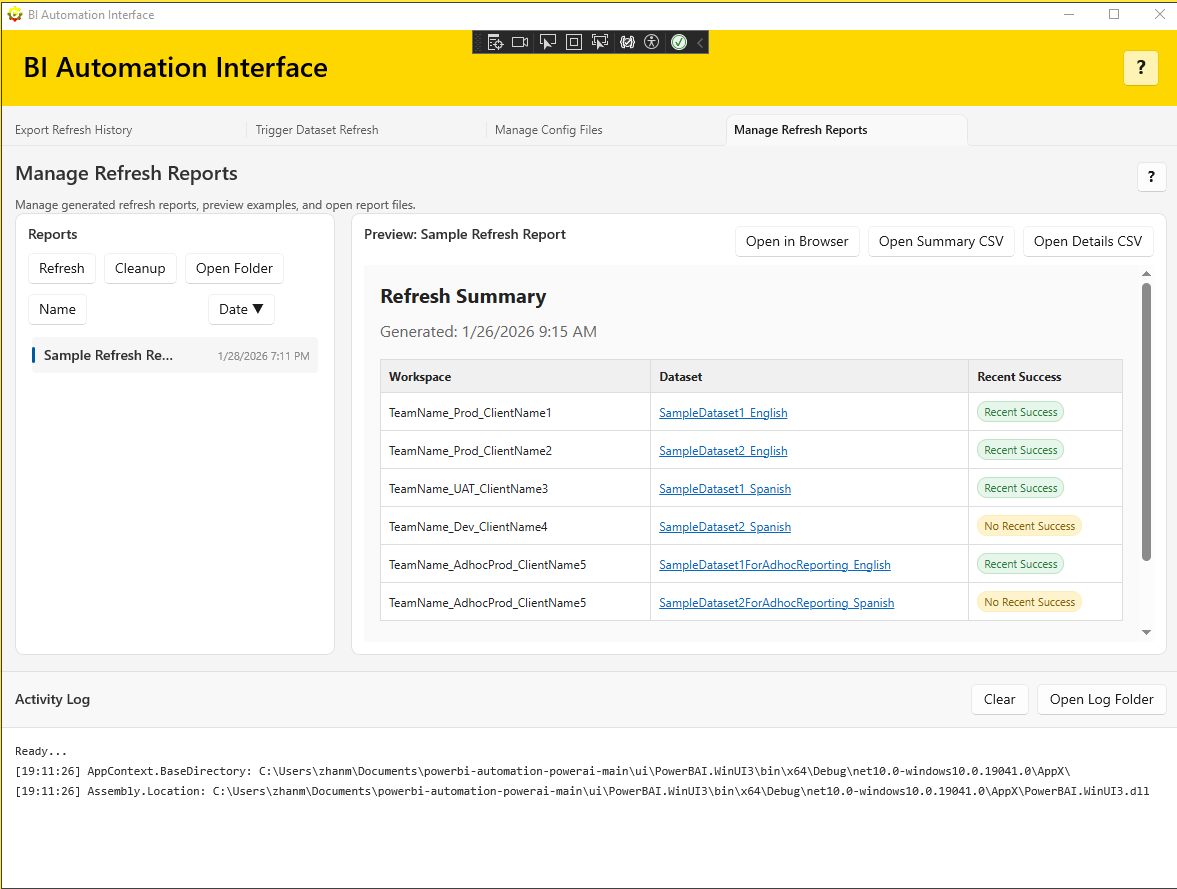
Manage Refresh Reports
Configuration-driven automation to refresh datasets, export history, and keep your reporting clean.
Select presets, prefixes, or custom filters to refresh multiple workspaces quickly.
When Power BI disables scheduled refresh after 60 days of inactivity, trigger a refresh via API to bring those schedules back without opening every report manually.
Export HTML + CSV refresh history reports with lookback days, top results, and custom output paths.
Run refresh reports to quickly identify failed datasets across many workspaces and reports.
Preview reports, open summary/details CSVs, and keep sample output available for onboarding.
Upload, edit, and organize JSON config files with workspace prefix presets.
Manage refresh reports and clean up user-created files only. It does not delete anything from your workspaces or datasets.
Each tab includes a help button with context, definitions, and file naming details.
Combine preset selections with custom prefixes for flexible targeting.
Track actions and troubleshooting details in the built-in activity log.
Trigger Refresh Help
Export Refresh Help
Manage Refresh Reports
Follow the getting started guide to install prerequisites and configure your first preset.
Get Started